> ## Documentation Index
> Fetch the complete documentation index at: https://encrova-docs.platform.ai71services.ai/llms.txt
> Use this file to discover all available pages before exploring further.
# Encrova Secret Manager
***
## Introduction
Encrova is a Platform secrets management application designed to securely store, distribute, and manage sensitive credentials such as API keys, database passwords, cert chains, and encryption secrets.
It helps developers and organizations centralize secret management, ensuring security and compliance while streamlining access across development, staging, and production environments.
Encrova integrates seamlessly with various cloud providers, container orchestration platforms, and CI/CD pipelines, making it a comprehensive solution for secure secret handling.
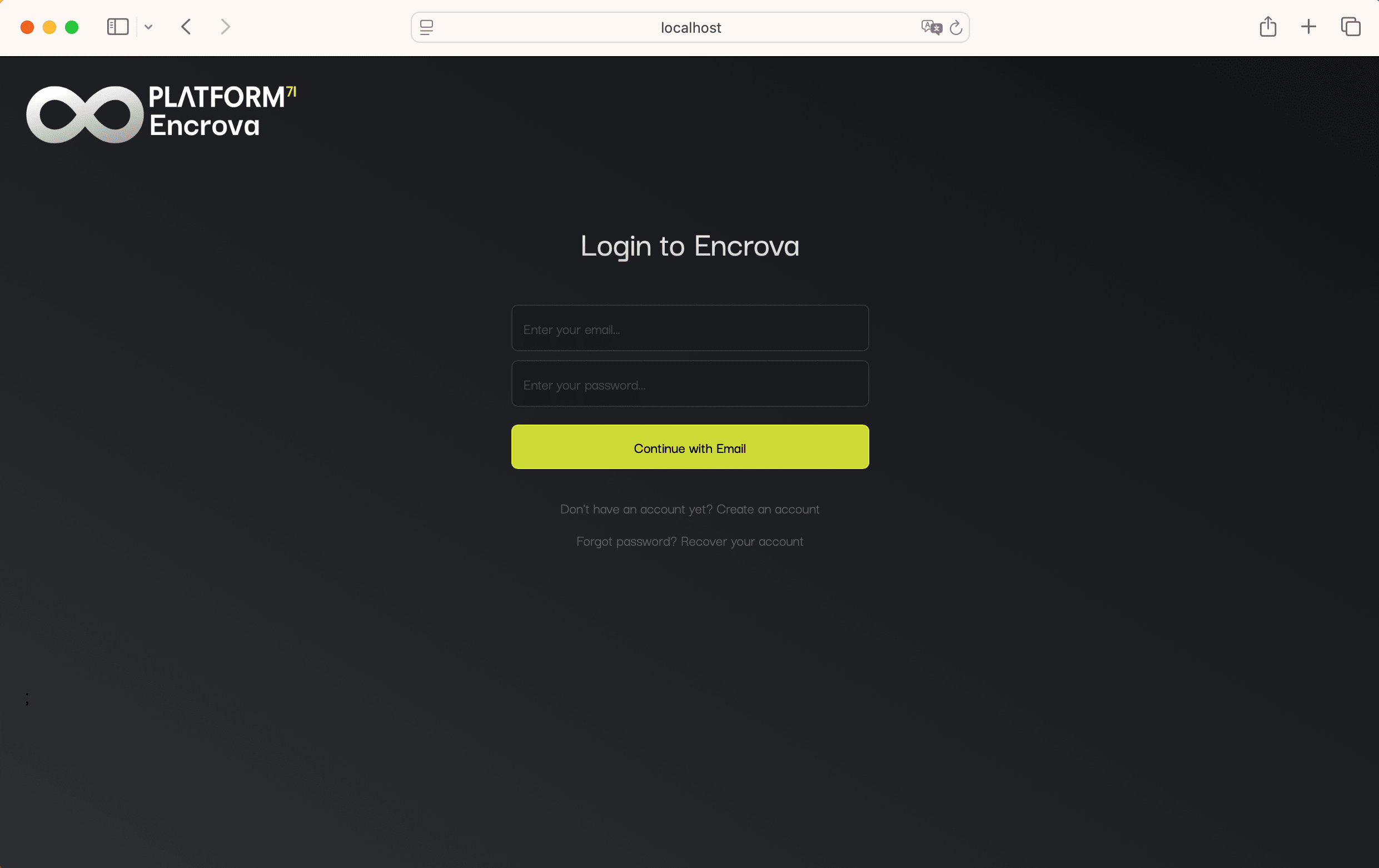
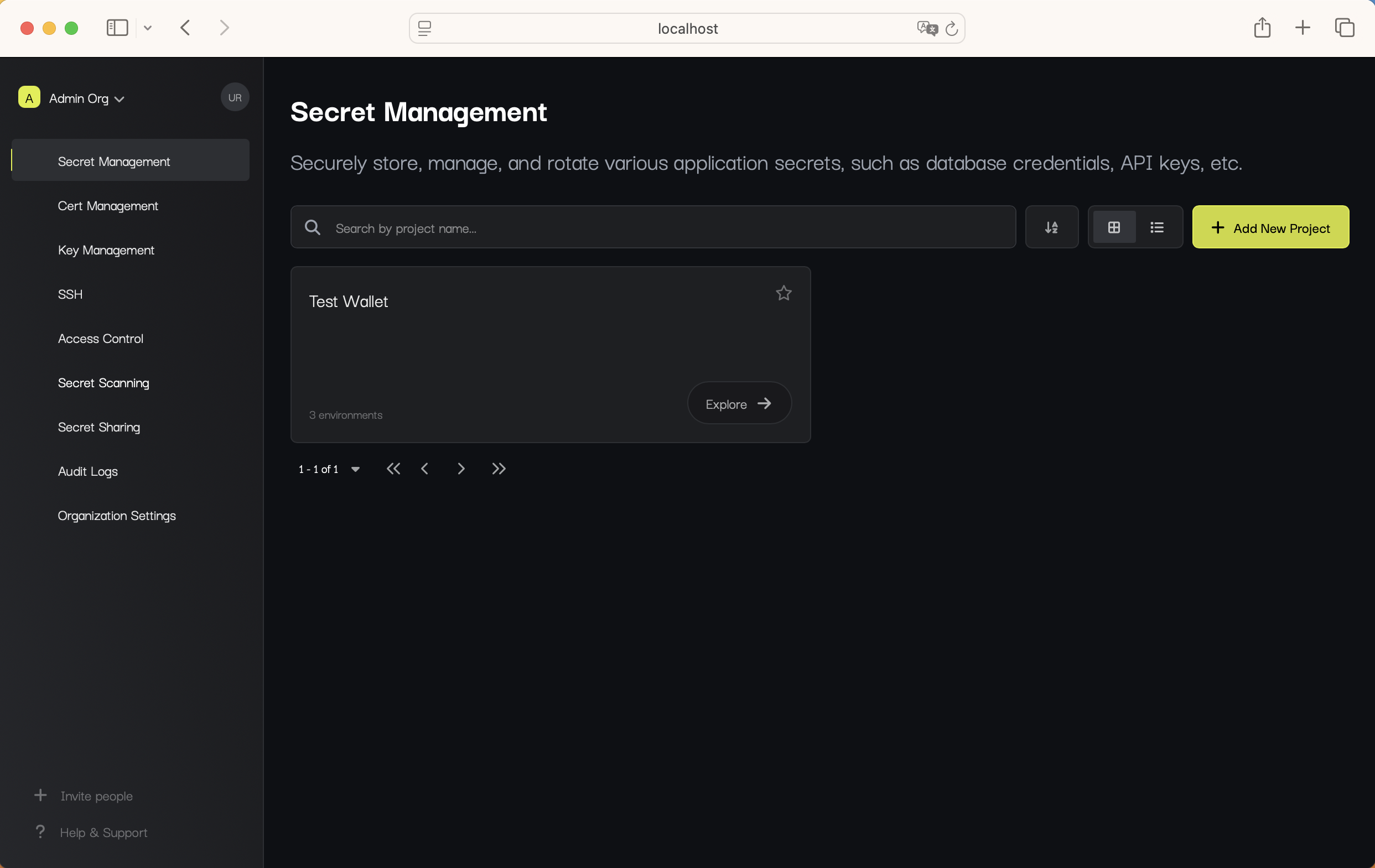 Get started with Encrova in just a few minutes.
***
## Why Encrova?
Improves security by reducing secret sprawl and enforcing encryption best practices.
Enhances developer experience with a user-friendly UI and CLI for managing secrets.
Automates secret management with dynamic and rotating secrets.
Ensures compliance with security standards (SOC 2, GDPR, HIPAA).
## How does Encrova work?
To make secret management effortless and secure, Encrova follows a certain structure for enabling secret management workflows as defined below.
**Identities** in Encrova are users or machine which have a certain set of roles and permissions assigned to them. Such identities are able to manage secrets in various **Clients** throughout the entire infrastructure. To do that, identities have to verify themselves through one of the available **Authentication Methods**.
As a result, the 3 main concepts that are important to understand are:
* **[Identities](/documentation/platform/identities/overview)**: users or machines with a set permissions assigned to them.
* **[Clients](/integrations/platforms/kubernetes)**: Encrova-developed tools for managing secrets in various infrastructure components (e.g., [SDKs](/libraries/javascript), [API](/api-reference), [Web Dashboard](https://secret-manager.t.platform.dev.ai71services.ai/)).
* **[Authentication Methods](/documentation/platform/identities/universal-auth)**: ways for Identities to authenticate inside different clients (e.g., SAML SSO for Web Dashboard, Universal Auth for Encrova Agent, AWS Auth etc.).
## How to get started with Encrova?
Depending on your use case, it might be helpful to look into some of the resources and guides provided below.
Streamline Product onboarding with seamless authentication, role-based access, and personalized setup for a frictionless start.
Fetch secrets with any programming language on demand.
Fetch secrets via HTTP request.
Explore integrations for GitHub, Vercel, AWS, and more.
Get started with Encrova in just a few minutes.
***
## Why Encrova?
Improves security by reducing secret sprawl and enforcing encryption best practices.
Enhances developer experience with a user-friendly UI and CLI for managing secrets.
Automates secret management with dynamic and rotating secrets.
Ensures compliance with security standards (SOC 2, GDPR, HIPAA).
## How does Encrova work?
To make secret management effortless and secure, Encrova follows a certain structure for enabling secret management workflows as defined below.
**Identities** in Encrova are users or machine which have a certain set of roles and permissions assigned to them. Such identities are able to manage secrets in various **Clients** throughout the entire infrastructure. To do that, identities have to verify themselves through one of the available **Authentication Methods**.
As a result, the 3 main concepts that are important to understand are:
* **[Identities](/documentation/platform/identities/overview)**: users or machines with a set permissions assigned to them.
* **[Clients](/integrations/platforms/kubernetes)**: Encrova-developed tools for managing secrets in various infrastructure components (e.g., [SDKs](/libraries/javascript), [API](/api-reference), [Web Dashboard](https://secret-manager.t.platform.dev.ai71services.ai/)).
* **[Authentication Methods](/documentation/platform/identities/universal-auth)**: ways for Identities to authenticate inside different clients (e.g., SAML SSO for Web Dashboard, Universal Auth for Encrova Agent, AWS Auth etc.).
## How to get started with Encrova?
Depending on your use case, it might be helpful to look into some of the resources and guides provided below.
Streamline Product onboarding with seamless authentication, role-based access, and personalized setup for a frictionless start.
Fetch secrets with any programming language on demand.
Fetch secrets via HTTP request.
Explore integrations for GitHub, Vercel, AWS, and more.