> ## Documentation Index
> Fetch the complete documentation index at: https://encrova-docs.platform.ai71services.ai/llms.txt
> Use this file to discover all available pages before exploring further.
# User Identities
> Read more about the concept of user identities in Encrova.
## Concept
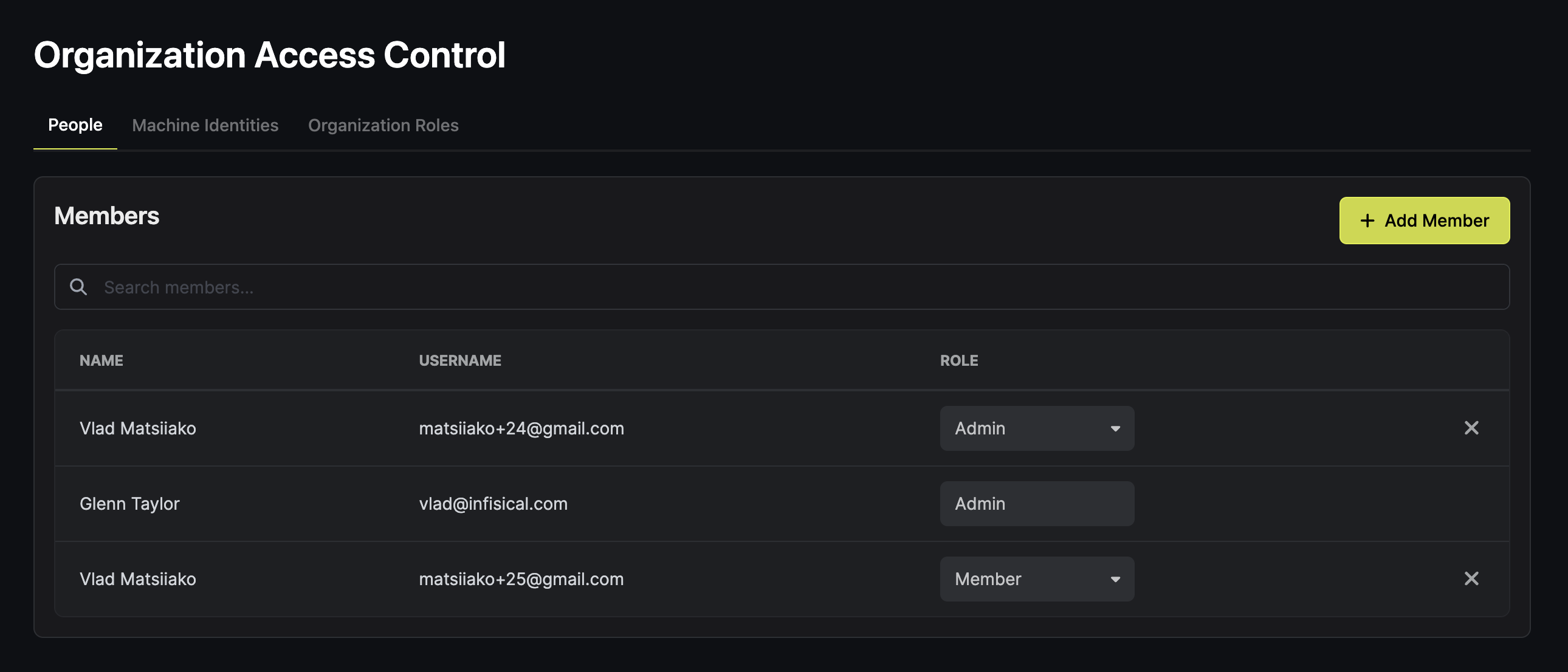
A **user identity** (also known as **user**) represents a developer, admin, or any other human entity interacting with resources in Encrova.
Users can be added manually (through Web UI) or programmatically (e.g., API) to [organizations](../organization) and [projects](../projects).
Upon being added to an organization and projects, users assume a certain set of roles and permissions that represents their identity.
 ## Authentication methods
To interact with various resources in Encrova, users are able to utilize a number of authentication methods:
* **Email & Password**: the most common authentication method that is used for authentication into Web Dashboard and Encrova CLI. It is recommended to utilize Multi-factor Authentication in addition to it.
* **SSO**: Encrova natively integrates with a number of SSO identity providers like Google, GitHub, and GitLab.
* **SAML SSO**: It is also possible to set up SAML SSO integration with identity providers like Okta, Microsoft Entra ID (formerly known as Azure AD), JumpCloud, Google, and more.
* **LDAP**: For organizations with more advanced needs, Encrova also provides user authentication with LDAP that includes a number of LDAP providers.
## Authentication methods
To interact with various resources in Encrova, users are able to utilize a number of authentication methods:
* **Email & Password**: the most common authentication method that is used for authentication into Web Dashboard and Encrova CLI. It is recommended to utilize Multi-factor Authentication in addition to it.
* **SSO**: Encrova natively integrates with a number of SSO identity providers like Google, GitHub, and GitLab.
* **SAML SSO**: It is also possible to set up SAML SSO integration with identity providers like Okta, Microsoft Entra ID (formerly known as Azure AD), JumpCloud, Google, and more.
* **LDAP**: For organizations with more advanced needs, Encrova also provides user authentication with LDAP that includes a number of LDAP providers.