> ## Documentation Index
> Fetch the complete documentation index at: https://encrova-docs.platform.ai71services.ai/llms.txt
> Use this file to discover all available pages before exploring further.
# Organizations
> Learn more and understand the concept of Encrova organizations.
An Encrova organization is a set of [projects](./project) that use the store the secret keys and values. Organizations allow one or more users to control the project permissions for all of the projects belonging to the organization. Each project belongs to an organization.
## Projects
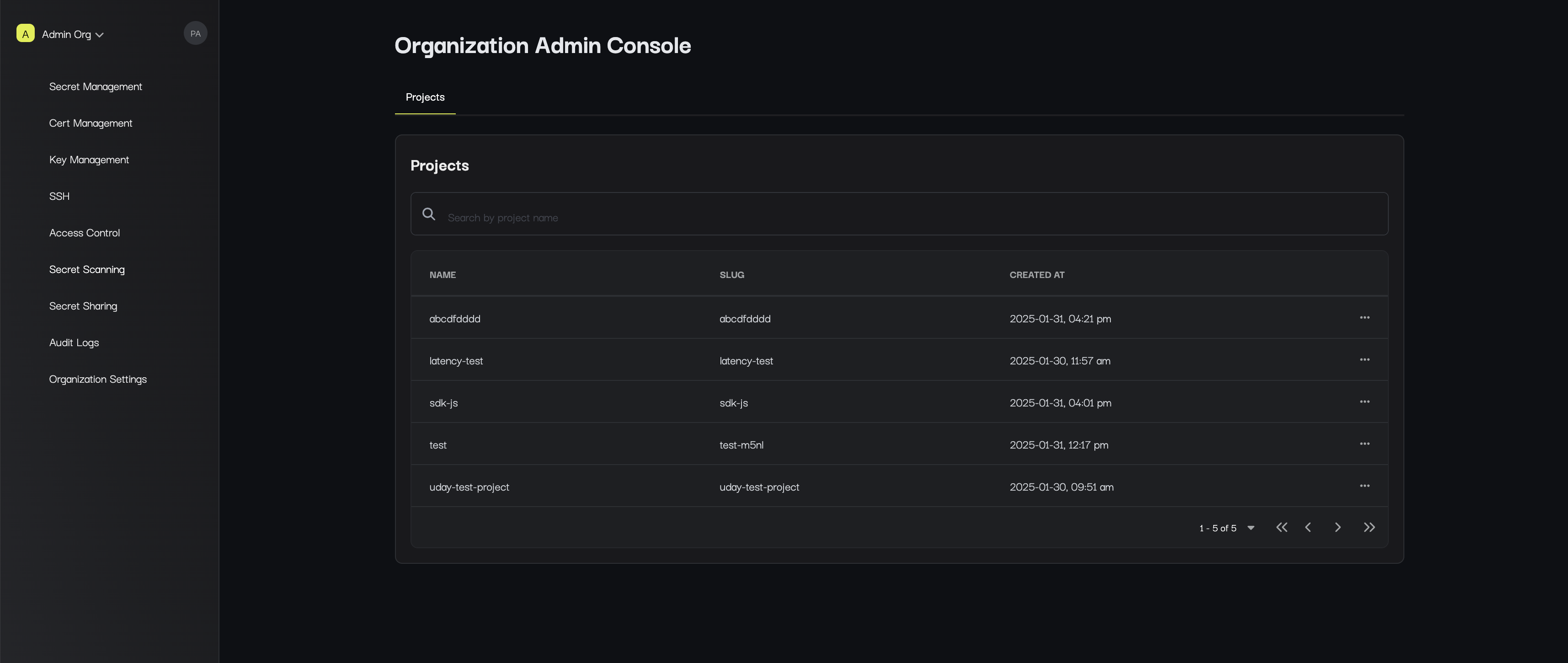
The **Projects** page is where you can view the projects that you have access to within your organization
as well as create a new project.
 ## Settings
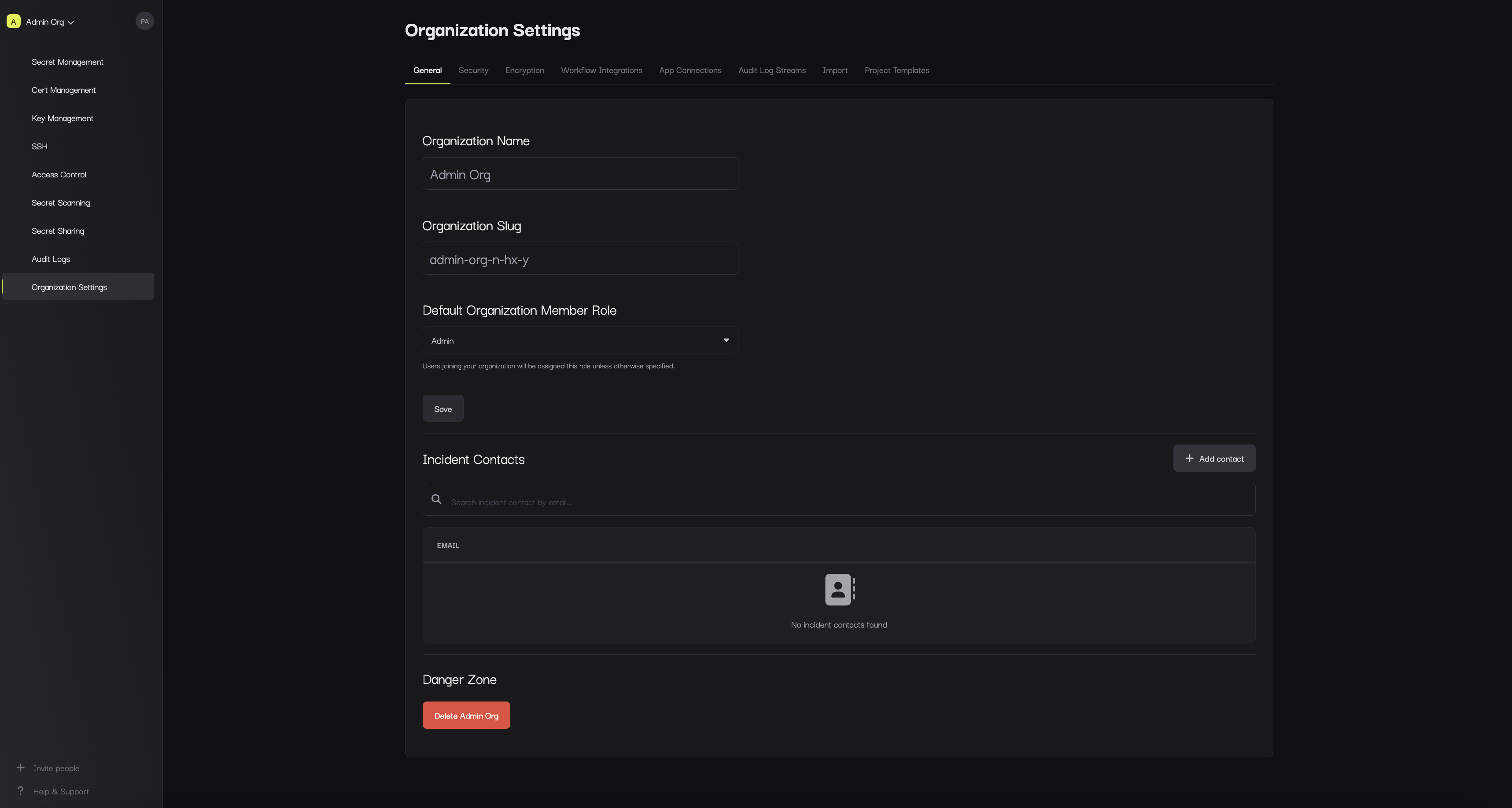
The **Settings** page lets you manage information about your organization including:
* **Name**: The name of your organization.
* **Slug**: The slug of your organization.
* **Default Organization Member Role**: The role assigned to users when joining your organization unless otherwise specified.
* **Incident Contacts**: Emails that should be alerted if anything abnormal is detected within the organization.
## Settings
The **Settings** page lets you manage information about your organization including:
* **Name**: The name of your organization.
* **Slug**: The slug of your organization.
* **Default Organization Member Role**: The role assigned to users when joining your organization unless otherwise specified.
* **Incident Contacts**: Emails that should be alerted if anything abnormal is detected within the organization.
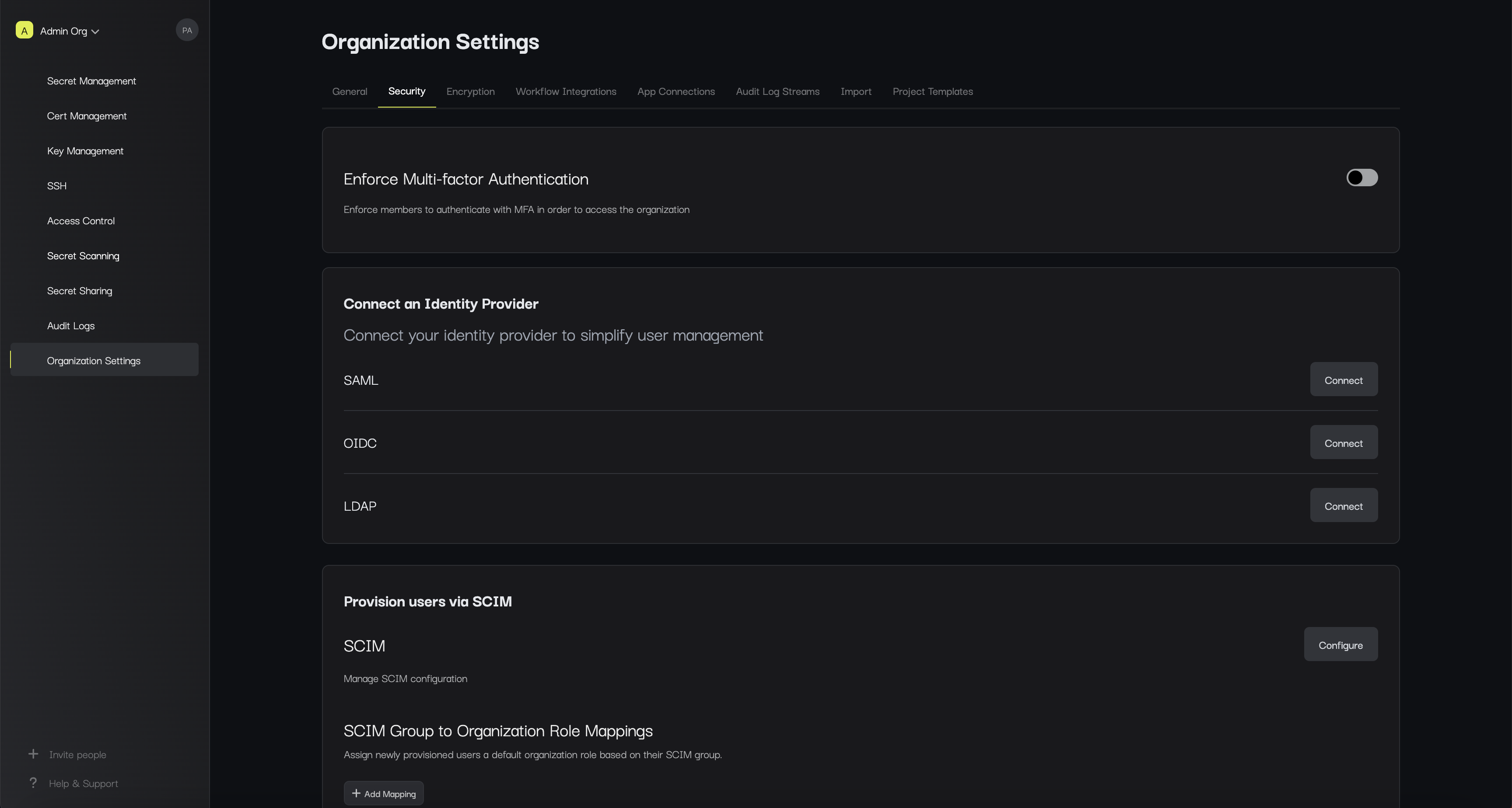
 * Security and Authentication: A set of setting to enforce or manage SAML,LDAP, and other authentication configurations.
 ## Access Control
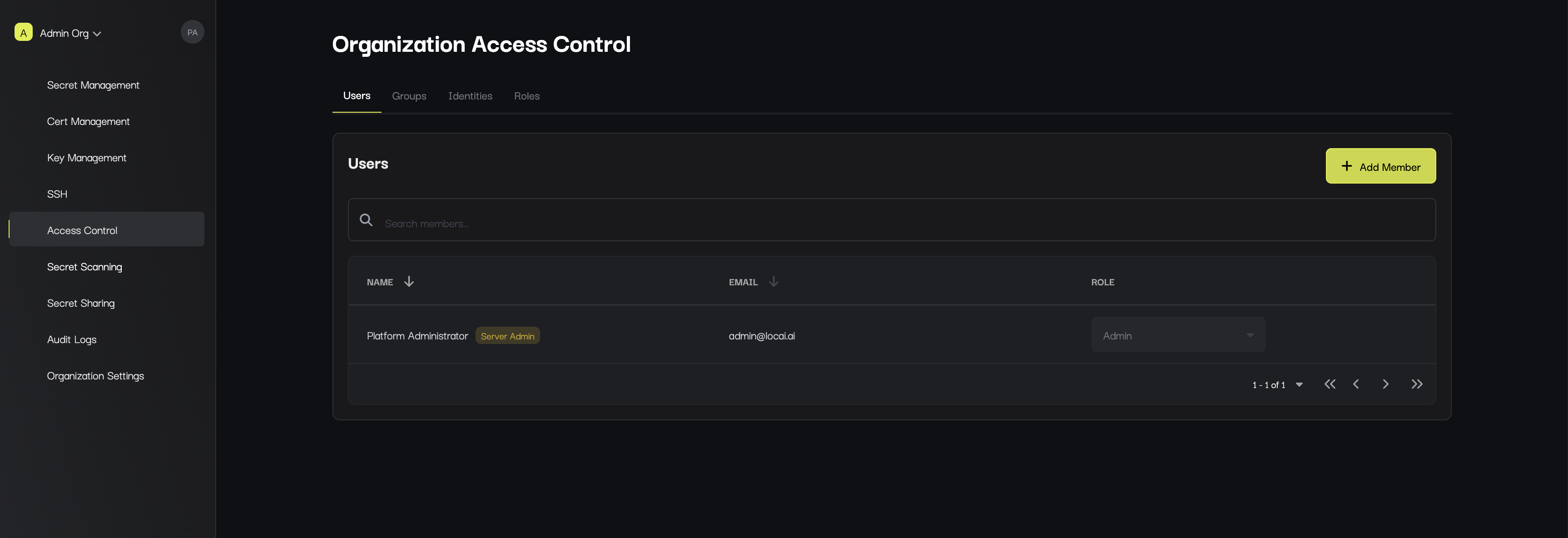
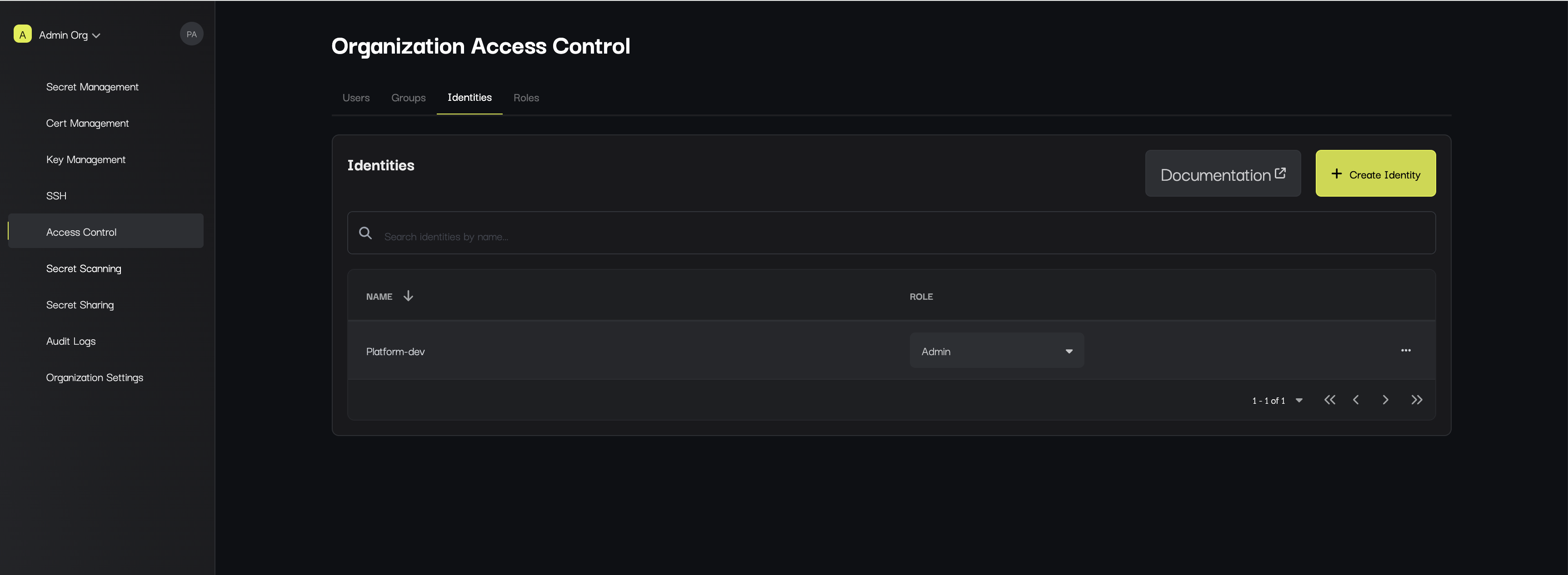
The **Access Control** page is where you can manage identities (both people and machines) that are part of your organization.
You can add or remove additional members as well as modify their permissions.
## Access Control
The **Access Control** page is where you can manage identities (both people and machines) that are part of your organization.
You can add or remove additional members as well as modify their permissions.
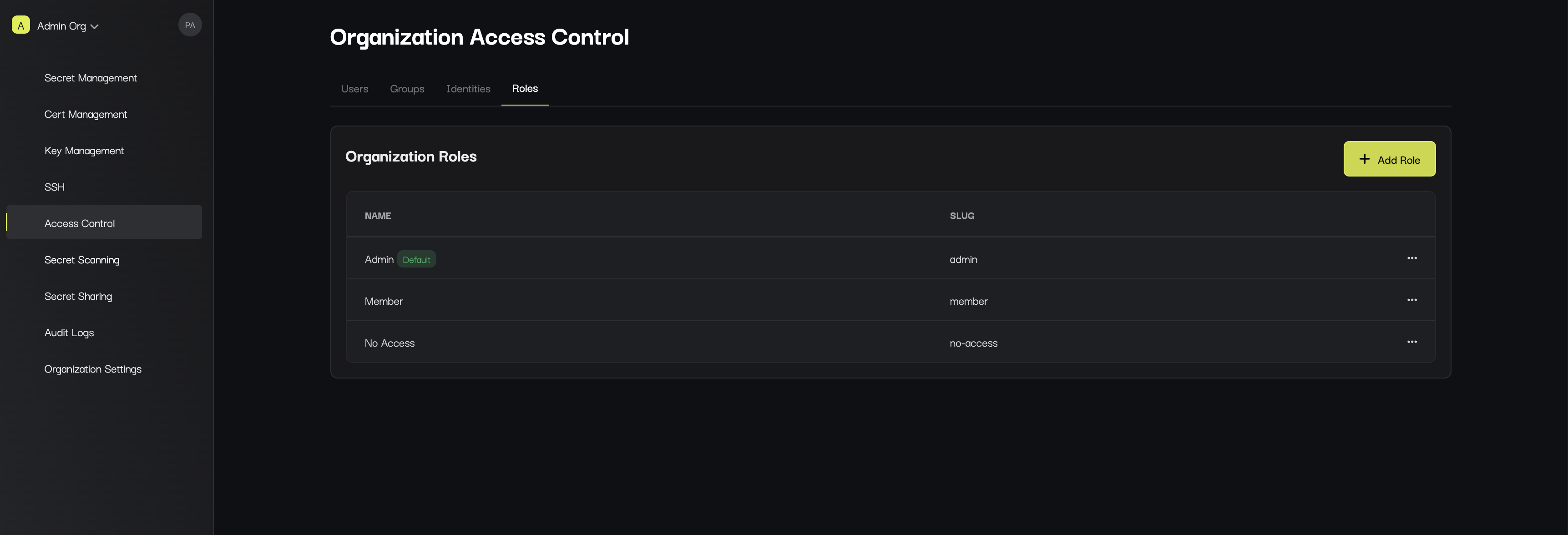
 In the **Organization Roles** tab, you can edit current or create new custom roles for members within the organization.