> ## Documentation Index
> Fetch the complete documentation index at: https://encrova-docs.platform.ai71services.ai/llms.txt
> Use this file to discover all available pages before exploring further.
# Projects
> Learn more and understand the concept of Infisical projects.
A project in Encrova belongs to an [organization](./organization) and contains a number of environments, folders, and secrets.
Only users and machine identities who belong to a project can access resources inside of it according to predefined permissions.
## Project environments
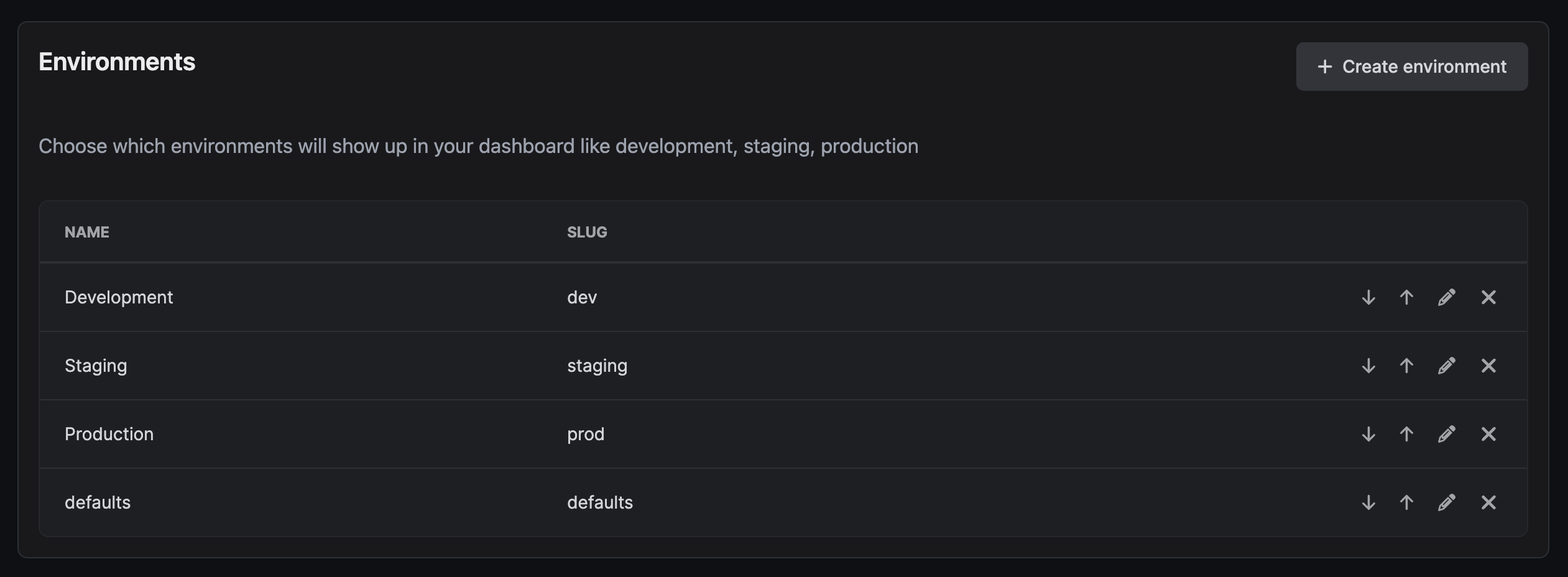
For both visual and organizational structure, Encrova allows splitting up secrets into environments (e.g., development, staging, production). In project settings, such environments can be
customized depending on the intended use case.
 ## Secrets Overview
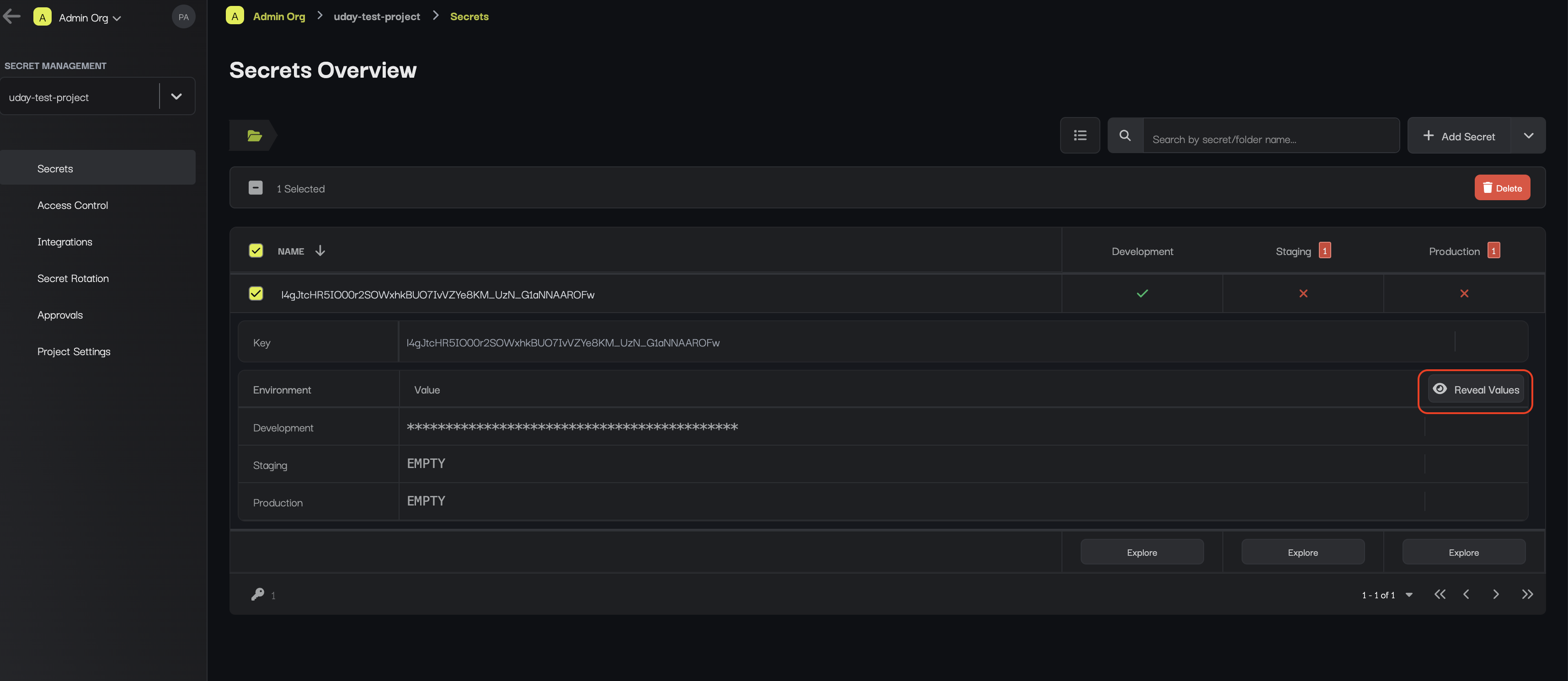
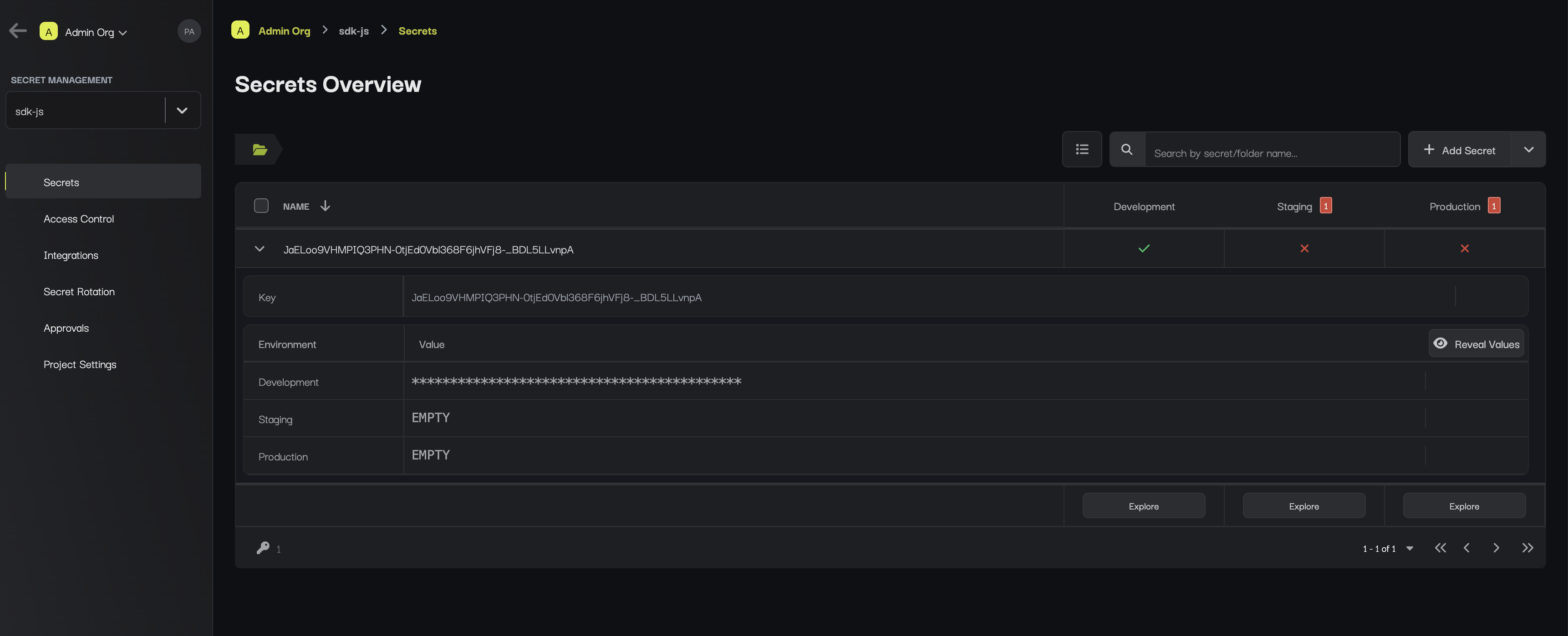
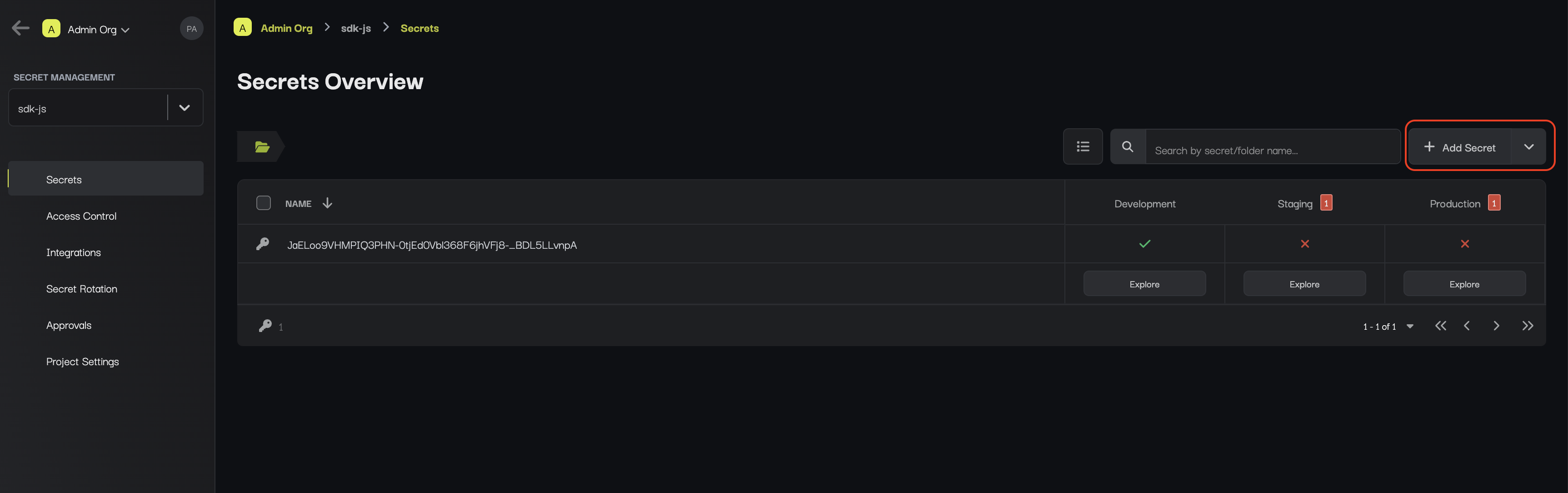
The **Secrets Overview** page captures a birds-eye-view of secrets and [folders](./folder) across environments.
This is useful for comparing secrets, identifying if anything is missing, and making quick changes.
## Secrets Overview
The **Secrets Overview** page captures a birds-eye-view of secrets and [folders](./folder) across environments.
This is useful for comparing secrets, identifying if anything is missing, and making quick changes.
 ## Secrets Dashboard
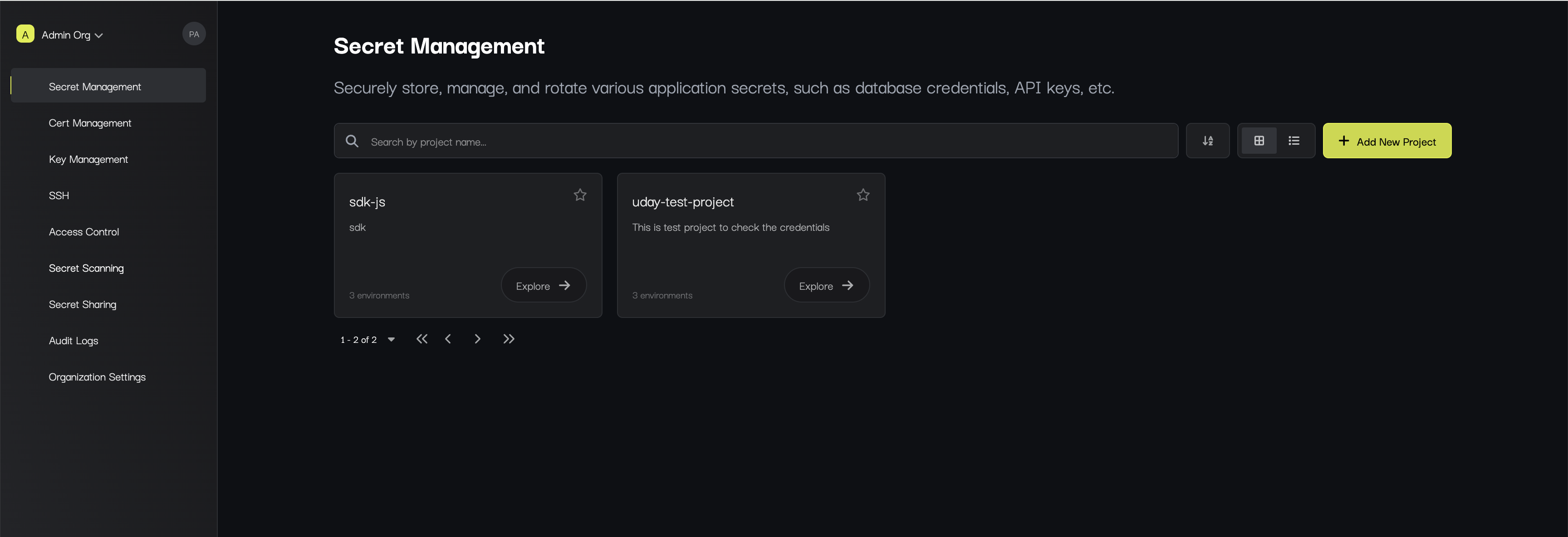
The **Secrets Dashboard** page appears when you press to manage the secrets of a specific environment.
## Secrets Dashboard
The **Secrets Dashboard** page appears when you press to manage the secrets of a specific environment.
 ### Secrets
To add a secret, press **Add Secret** button at the top of the dashboard.
### Secrets
To add a secret, press **Add Secret** button at the top of the dashboard.
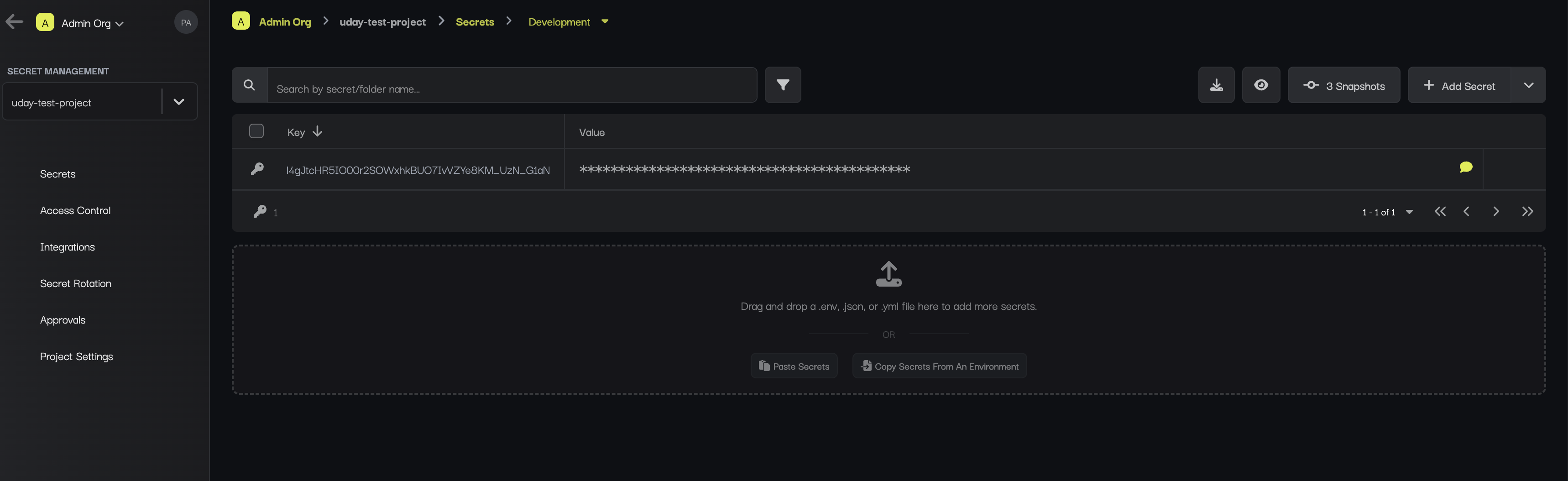
 For a new project, it can be convenient to populate the dashboard by dropping a `.env` file into the provided pane as shown below:
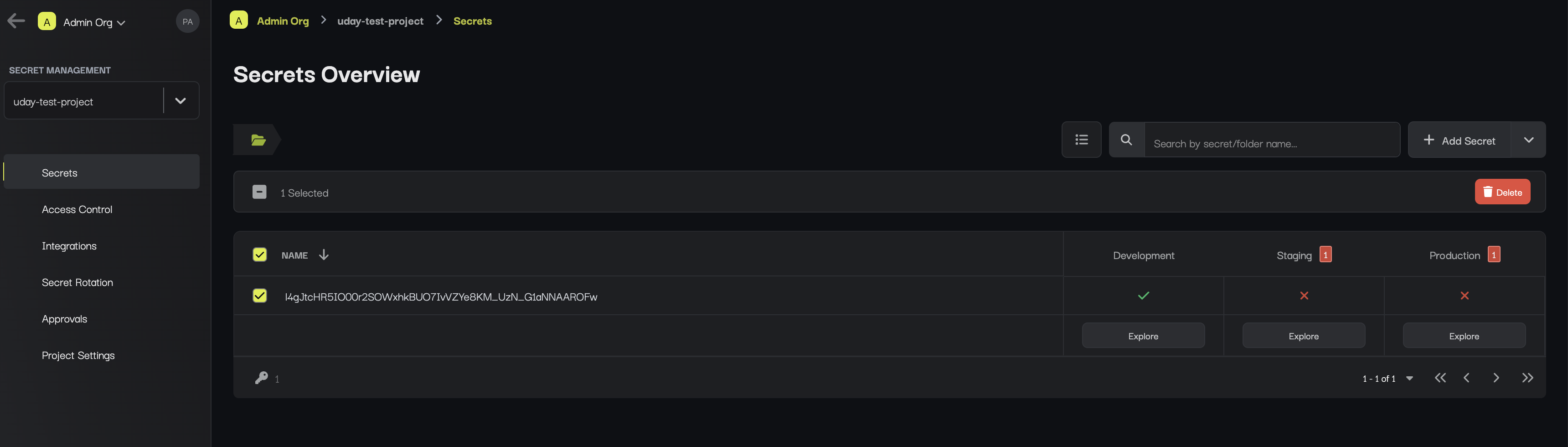
 To delete secret at once, hover over and select the secrets you'd like to delete
and press the **Delete** button that appears at the top.
To delete secret at once, hover over and select the secrets you'd like to delete
and press the **Delete** button that appears at the top.
 ### Search
To search for specific secrets by their key name, you can use the search bar.
### Hide/Un-hide
To view/hide all secrets at once, toggle the hide or un-hide button.
### Search
To search for specific secrets by their key name, you can use the search bar.
### Hide/Un-hide
To view/hide all secrets at once, toggle the hide or un-hide button.