
Projects
The Projects page is where you can view the projects that you have access to within your organization as well as create a new project.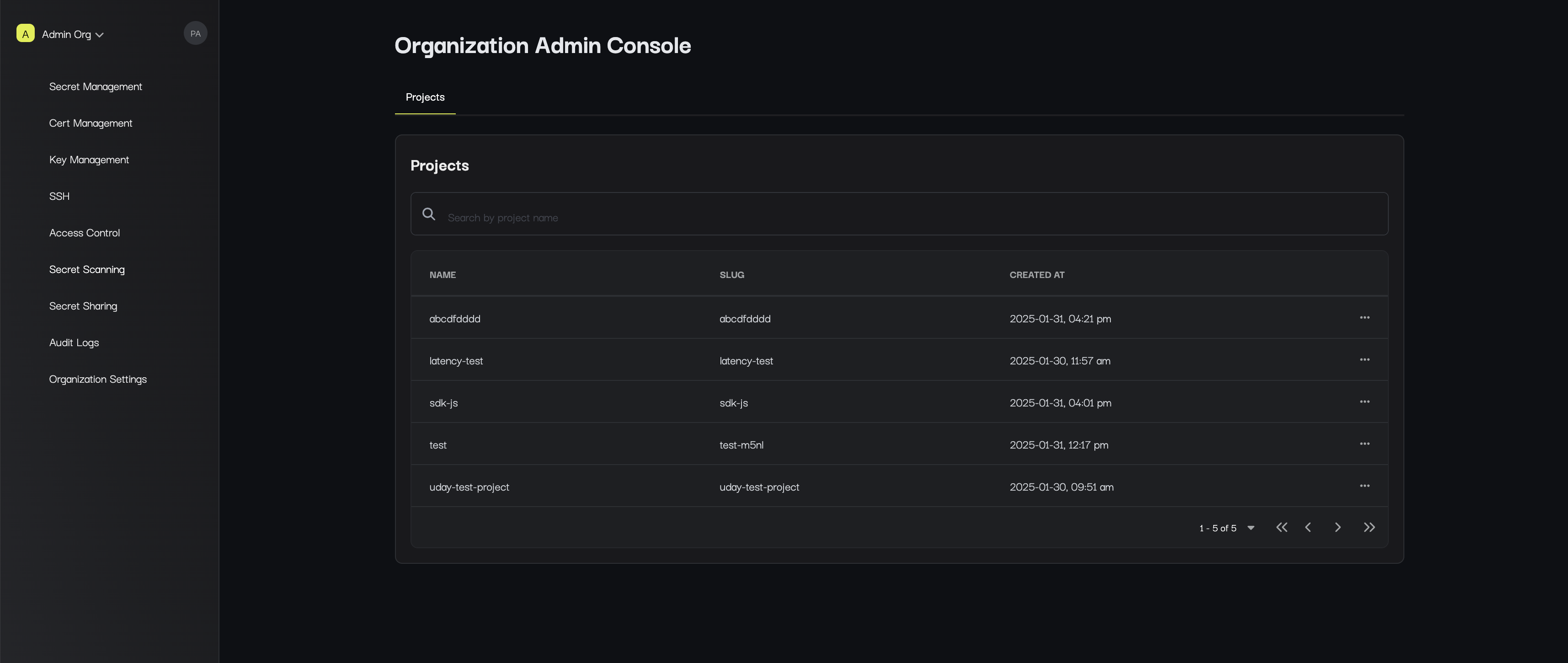
Settings
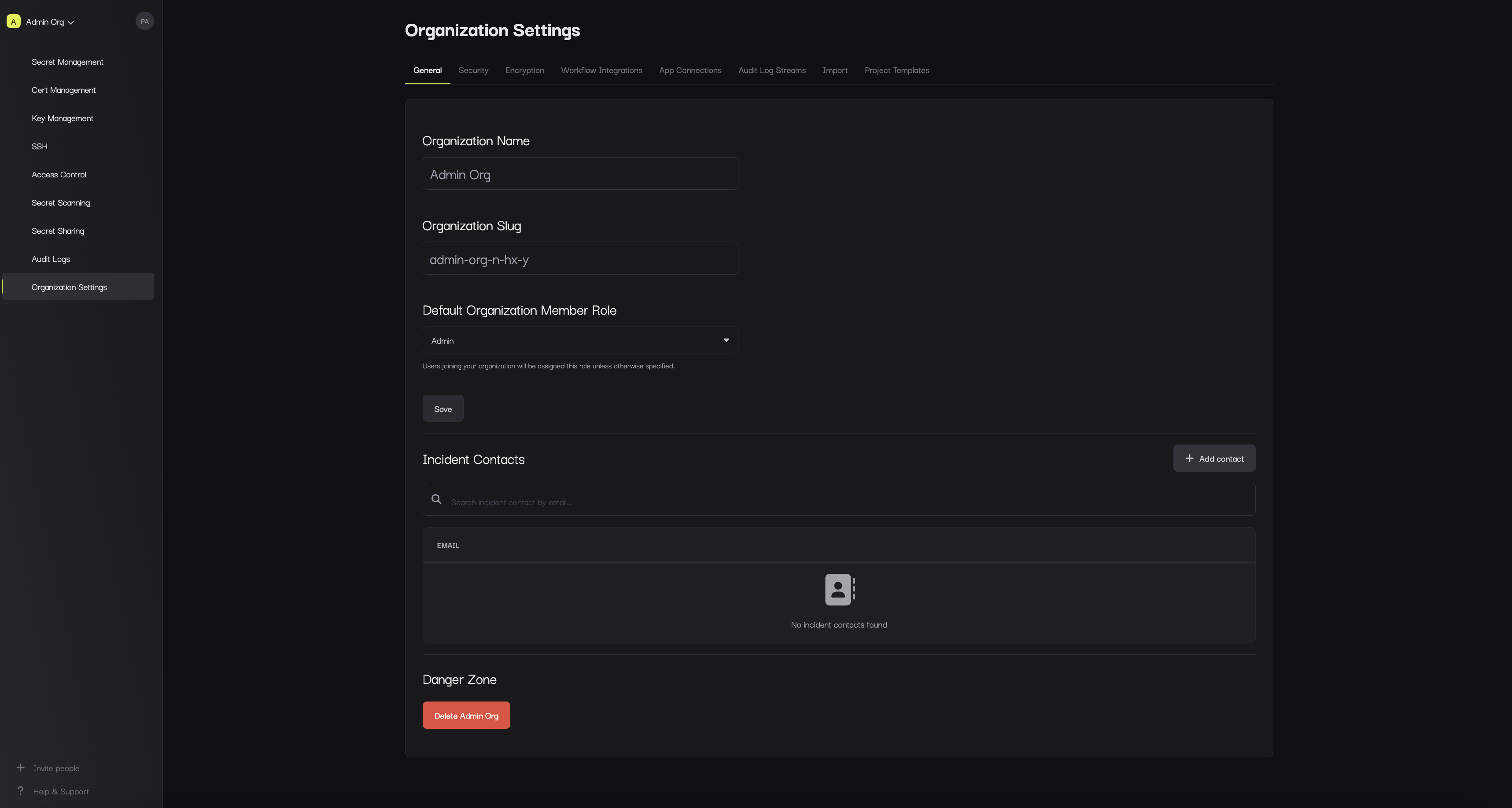
The Settings page lets you manage information about your organization including:- Name: The name of your organization.
- Slug: The slug of your organization.
- Default Organization Member Role: The role assigned to users when joining your organization unless otherwise specified.
- Incident Contacts: Emails that should be alerted if anything abnormal is detected within the organization.
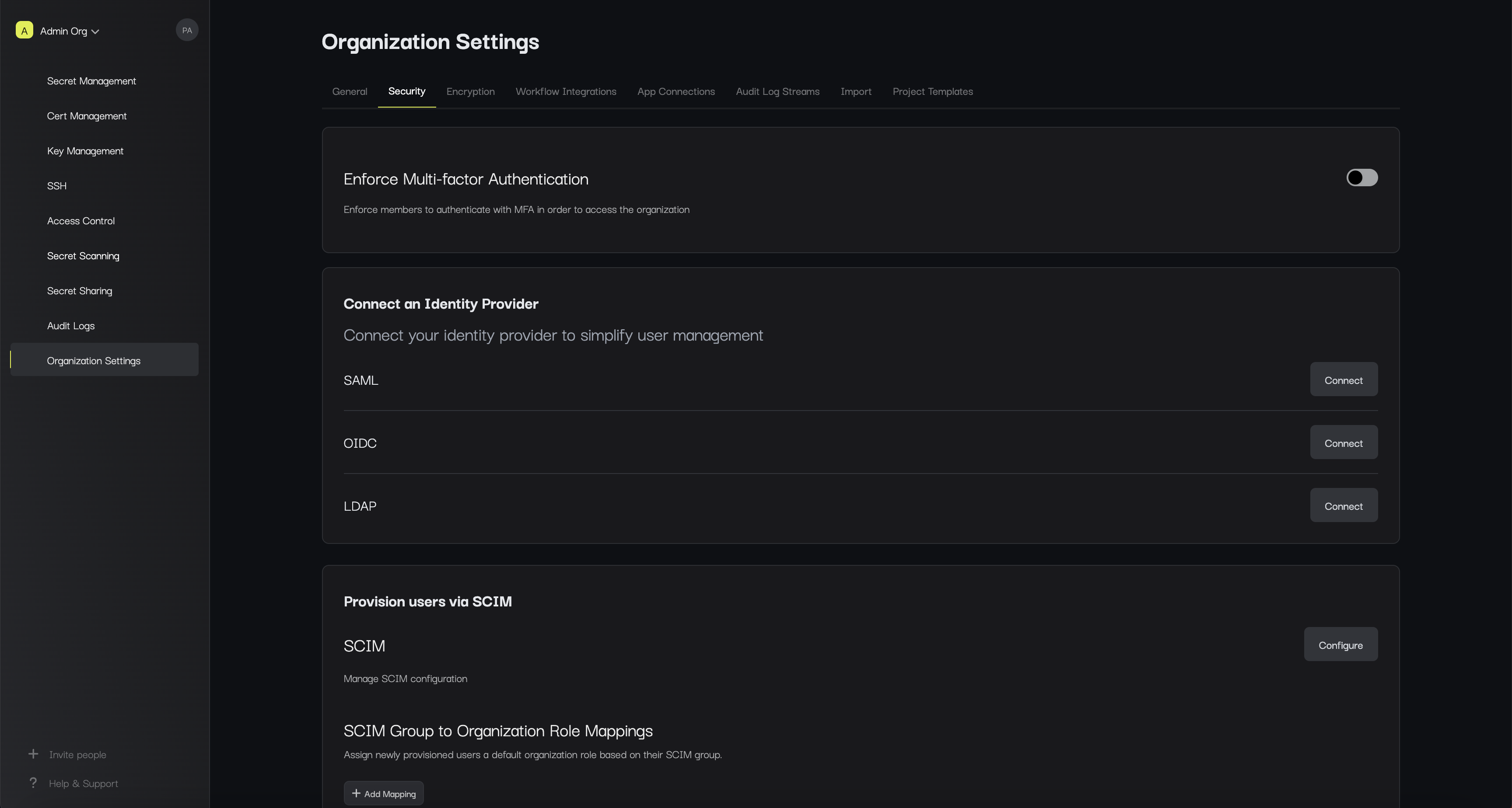
- Security and Authentication: A set of setting to enforce or manage SAML,LDAP, and other authentication configurations.
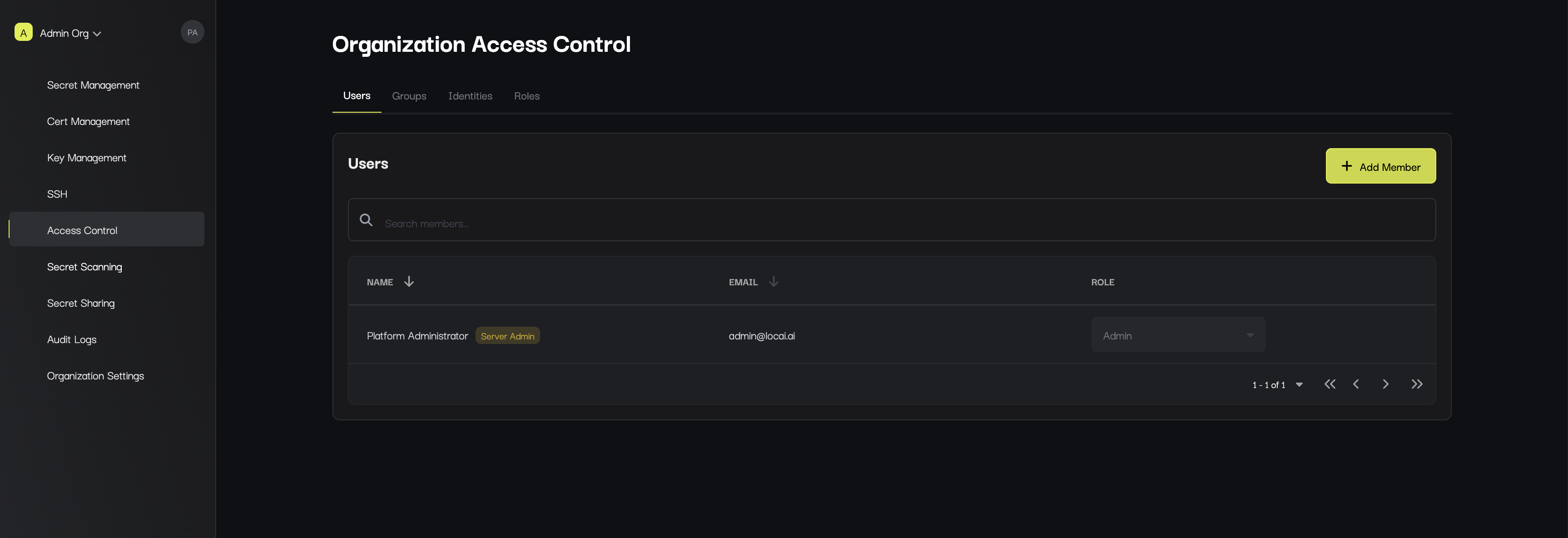
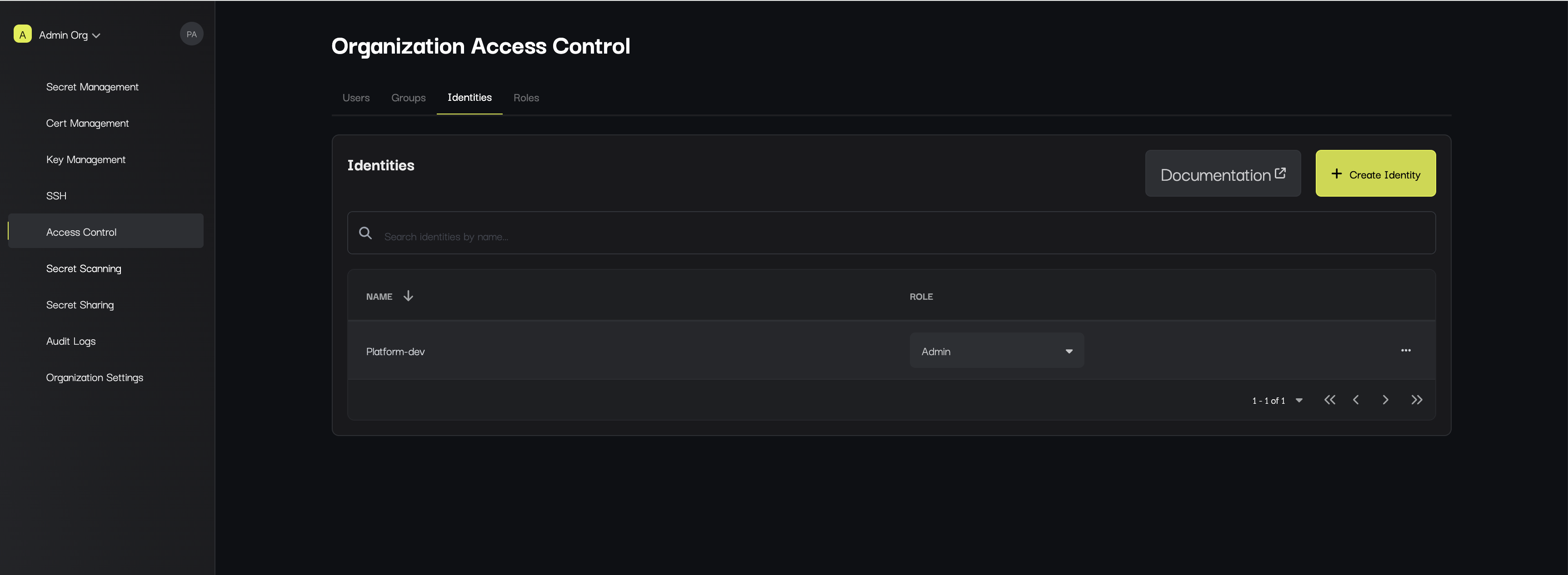
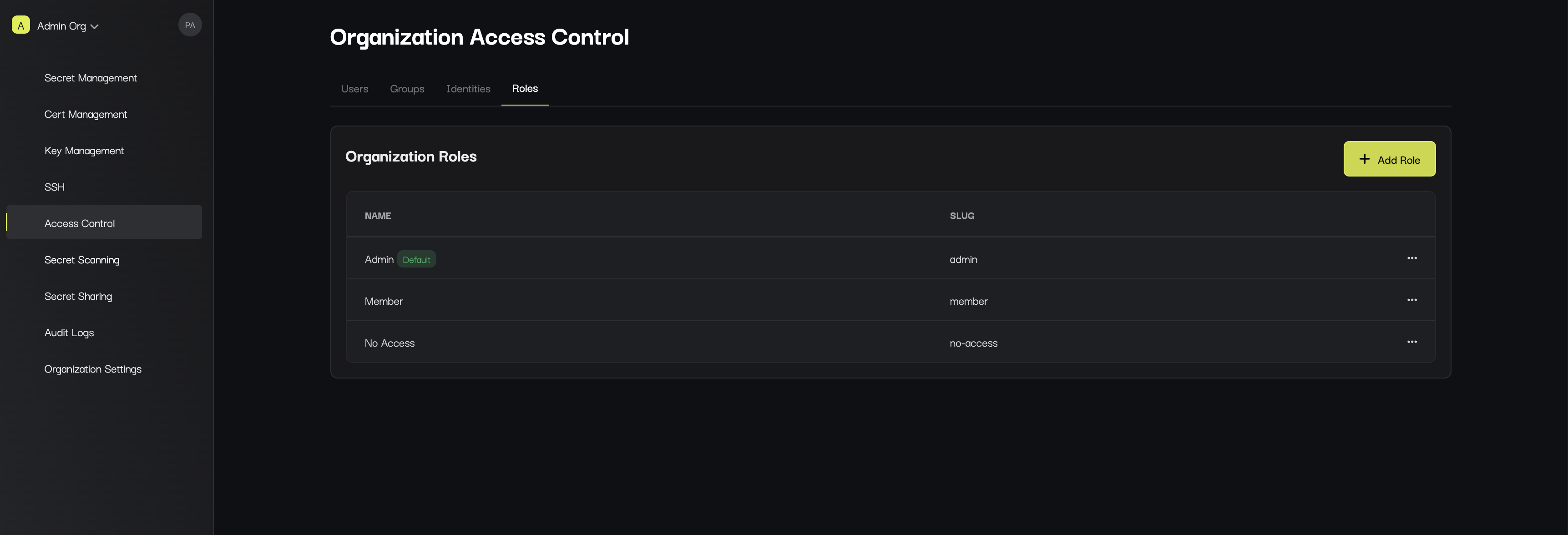
Access Control
The Access Control page is where you can manage identities (both people and machines) that are part of your organization. You can add or remove additional members as well as modify their permissions.