
Project environments
For both visual and organizational structure, Encrova allows splitting up secrets into environments (e.g., development, staging, production). In project settings, such environments can be customized depending on the intended use case.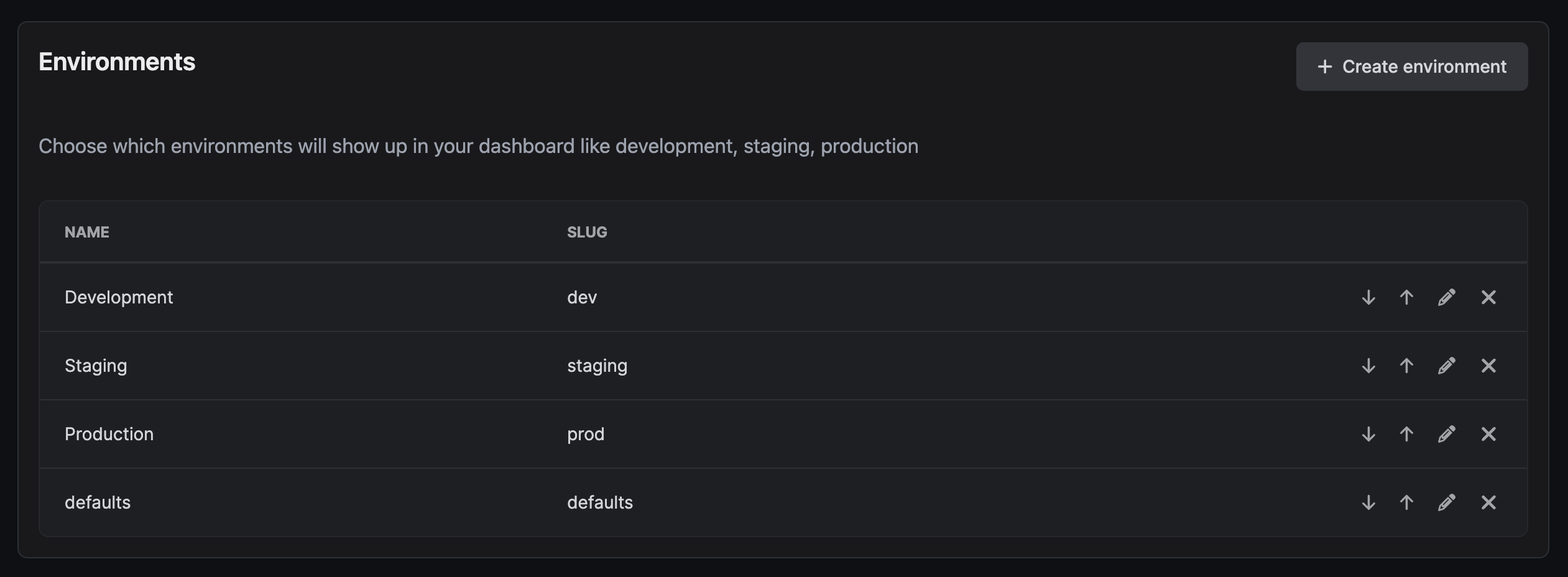
Secrets Overview
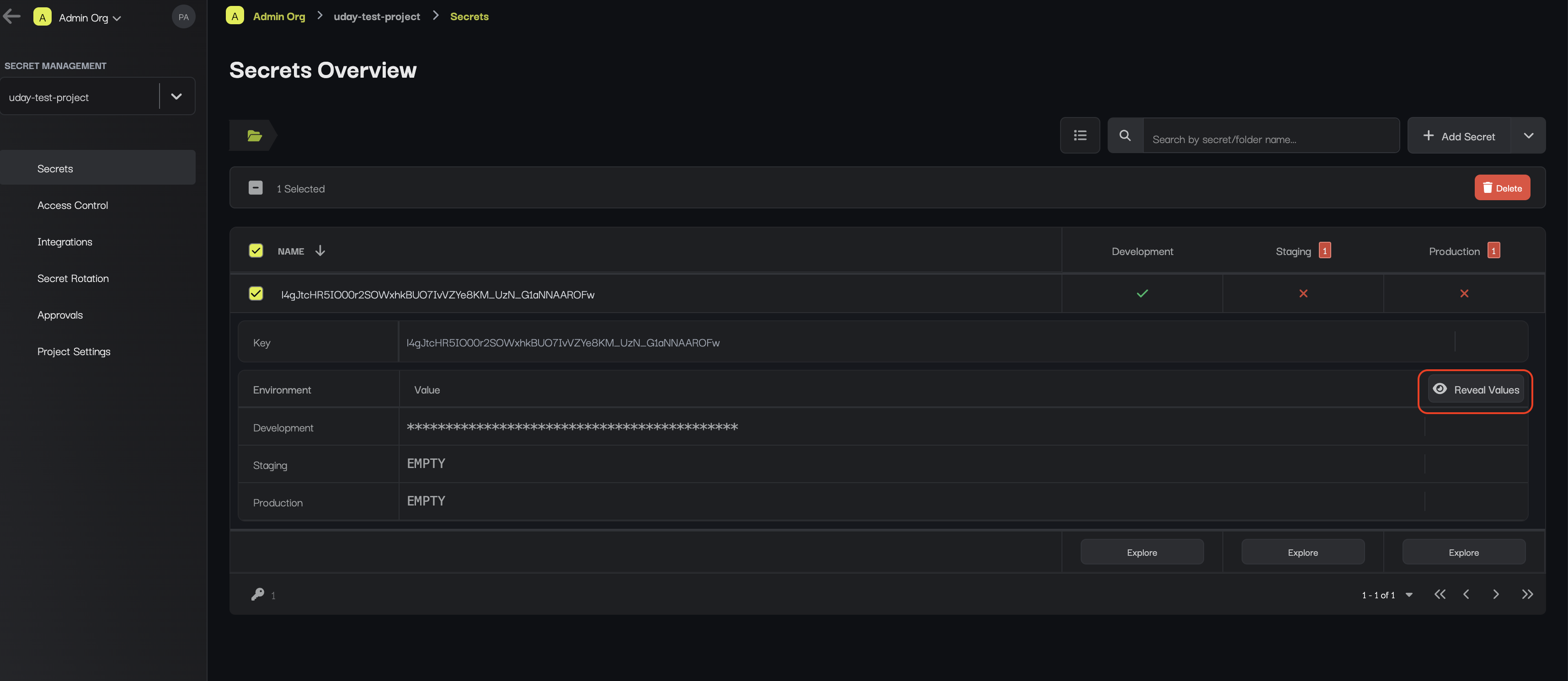
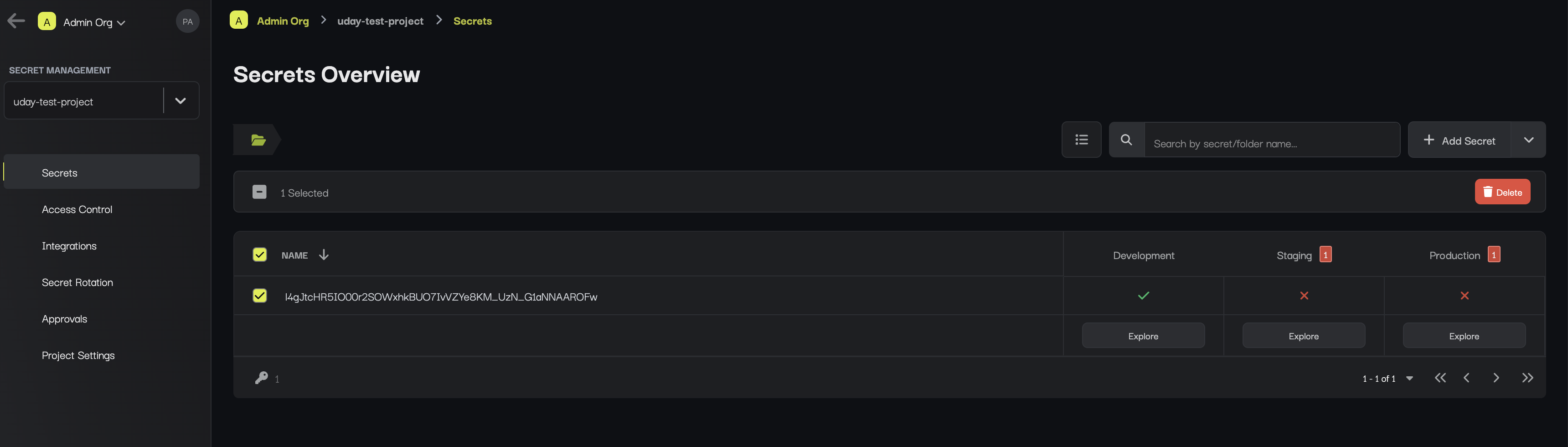
The Secrets Overview page captures a birds-eye-view of secrets and folders across environments. This is useful for comparing secrets, identifying if anything is missing, and making quick changes.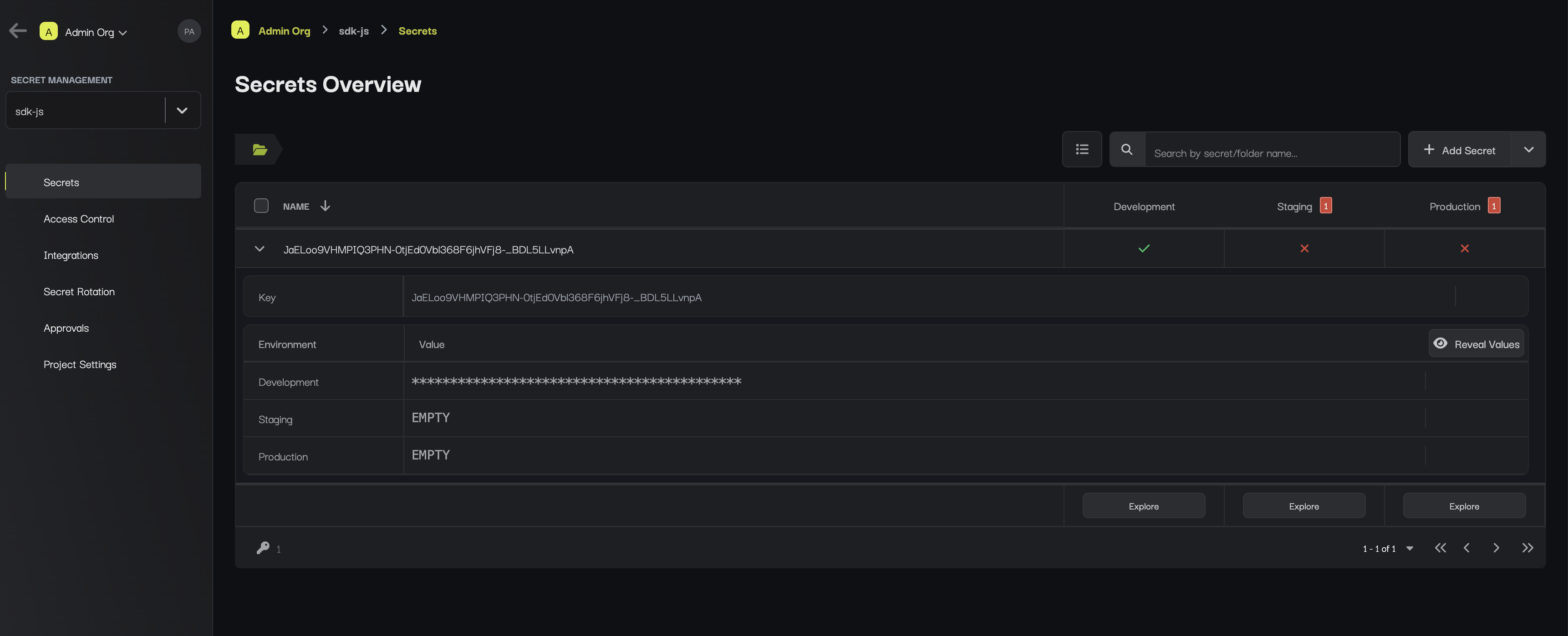
Secrets Dashboard
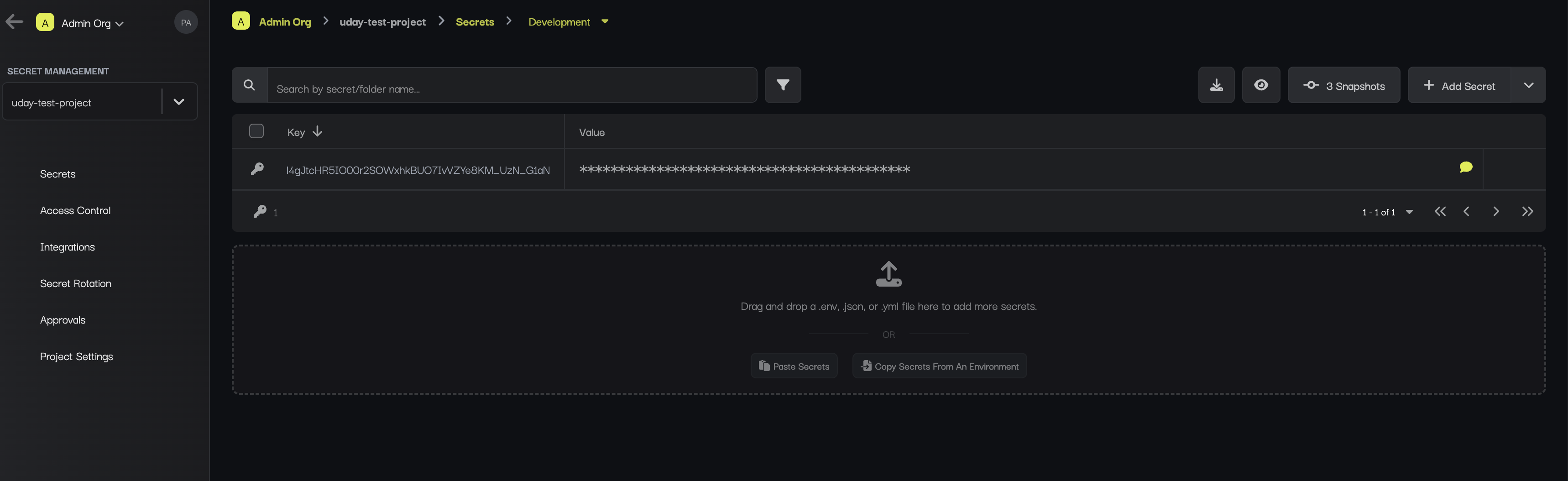
The Secrets Dashboard page appears when you press to manage the secrets of a specific environment.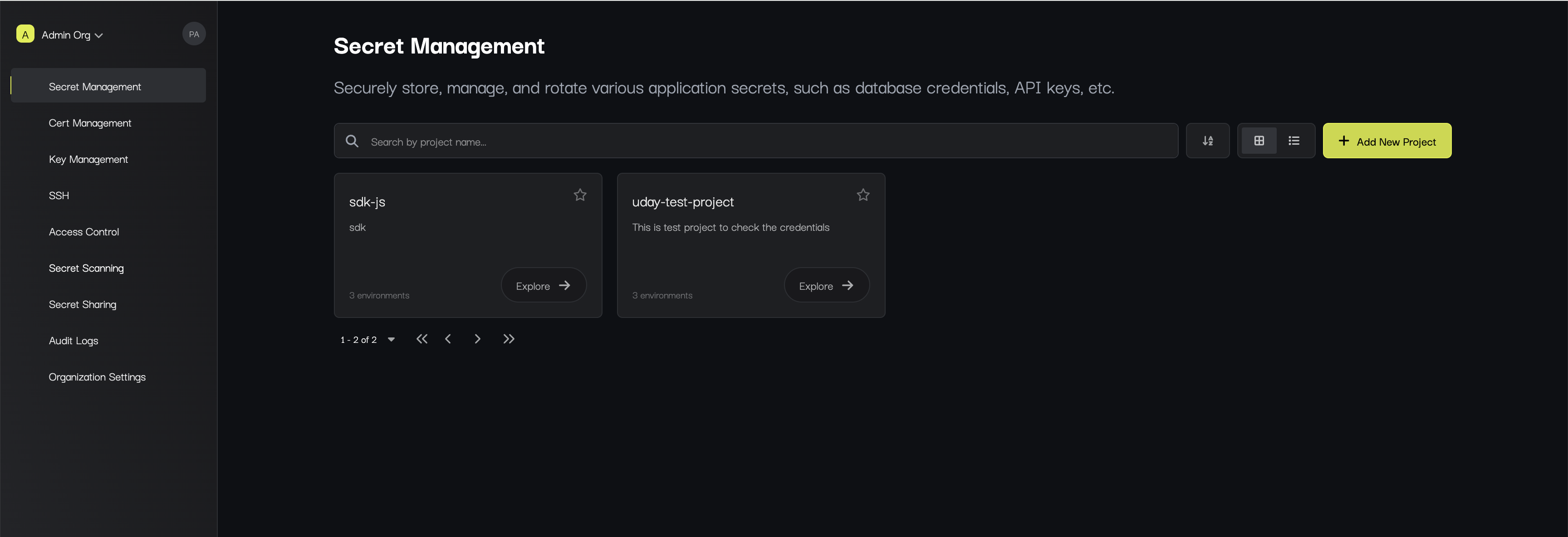
Secrets
To add a secret, press Add Secret button at the top of the dashboard.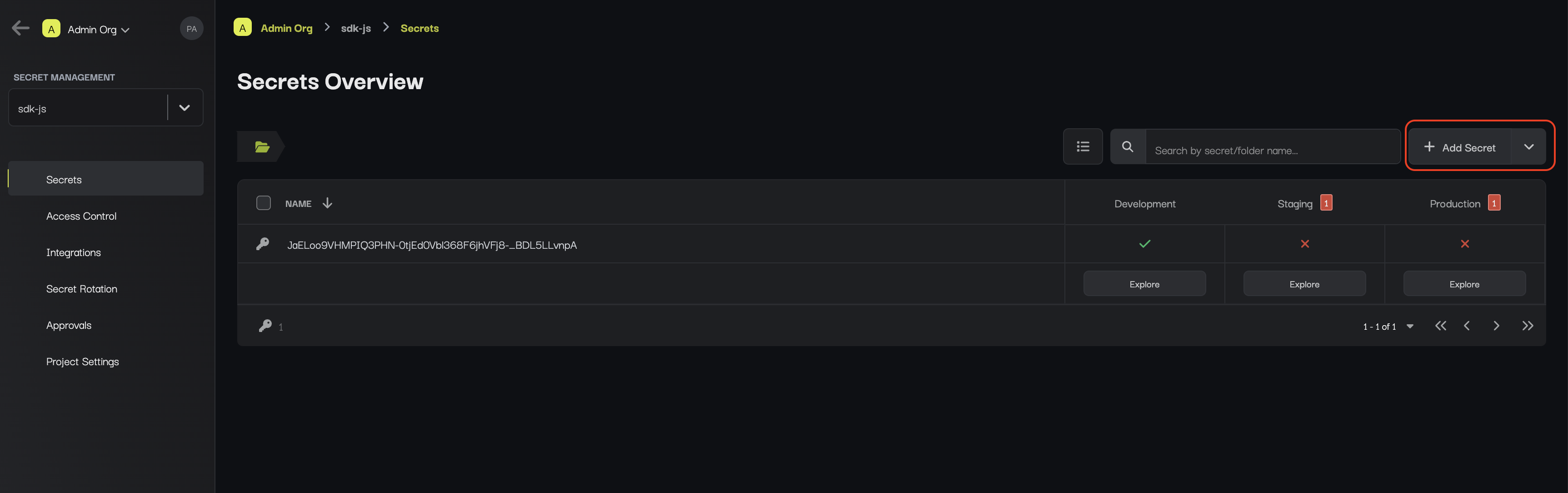
.env file into the provided pane as shown below:
Search
To search for specific secrets by their key name, you can use the search bar.Hide/Un-hide
To view/hide all secrets at once, toggle the hide or un-hide button.